
Overview of All Incidents
Closed incidents and Advisories can be viewed by going to the Microsoft 365 Service Health page and selecting the “Closed Incidents” option to the right of the page.
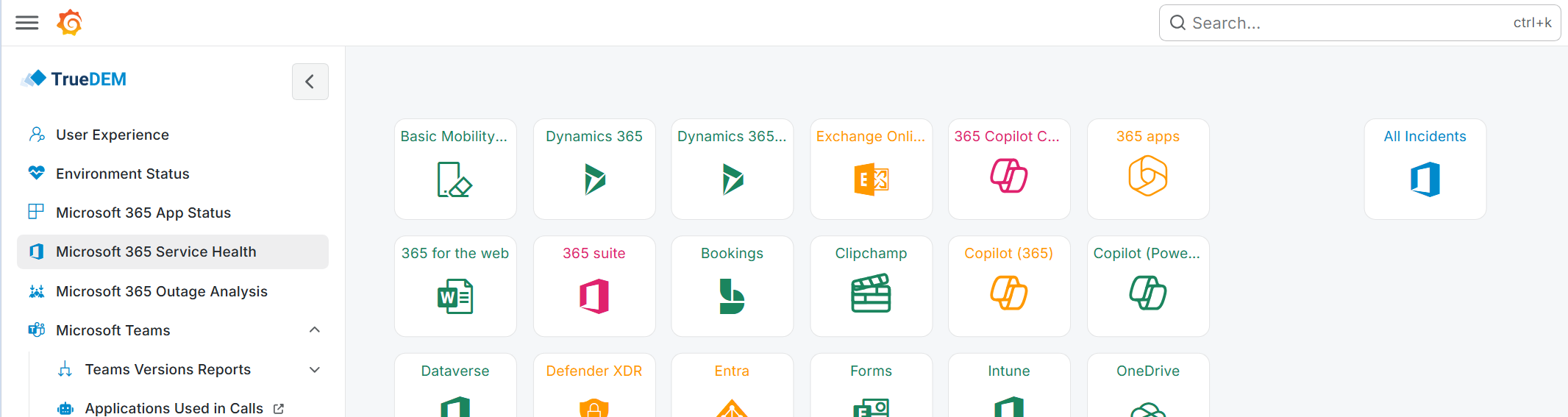
It will open a list of all incidents and advisories for the last 30 days relevant to your tenant.
This list is sorted by default in descending order. The first column indicates whether the issue has been resolved or is still open. You can filter and sort further based on your needs by clicking on the column options.
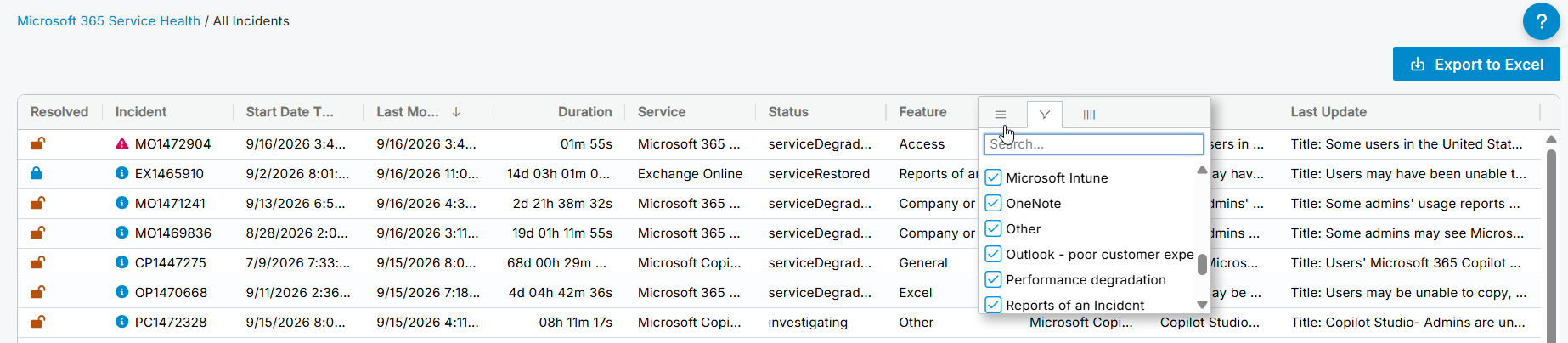
Clicking on an entry in the All Incidents table will bring up a more detailed view of the individual incident or advisory with the full history and information Microsoft has provided.
Exporting
All table columns can be exported by selecting the “Export to Excel” button in the top right corner of the screen.